Product tour

What the app actually does.

The whole case on your phone before you scrub. Then up on the monitor for the rest of the room.

How it works

Three taps from scrub-in to ready.

Designed for the speed of the OR. No friction, no cloud round-trips, no broken sterile field for a forgotten suture size. Just the surgeon's playbook, where you need it.

STEP 01

Walk into pre-op

Open OrthoVaultOS, search for the procedure, or pick it from your starred list. Instant search across every procedure in your library.

Search-and-go in the seconds you have.
STEP 02

Pick the surgeon

Tap the surgeon's name and the entire panel reconfigures — their gloves, suture sizes, tourniquet pressure, positioning, the pearls they always mention.

Surgeon preferences are first-class data, cross-referenced from other residents and the attendings themselves.
STEP 03

Reference case

Pull up technique PDFs, evidence papers, or the surgeon's tray of implants. Glance at the next step without breaking sterile field.

Take a picture in the OR and upload it within the app. Streamlined process.
Built for surgeons

Everything you need.
In one platform.

Procedure Templates

Template, customize, and reuse with ease.

Cases
Pelvic ex-fix
Femur IM nail
Distal radius ORIF

Visual Positioning

Detailed positioning library with visuals.

Position Library
Supine
Lateral
Prone

Case Cart

The instrument tray, built per surgeon, ready before you scrub in.

Pelvic Ex-Fix Cart
ItemQty
Synthes Ex-Fix Set1
Schanz Pin 5.0 mm4
Carbon Fiber Rod3

Op Notes

Smart, structured, and fast.

Procedure Steps
1Patient positioning
2Incision
3Closure

AI Assistant

Your surgical copilot. Ask anything, in context.

Ask anything…
What are the key steps for a pelvic ex-fix?
Suggest implant sizing for a TKA.
Generating…

X-Ray Annotation

Draw, label, and drag-place implants for pre-op planning.

Locking plate
Drag-placed, non-destructive layer
↖✎T

Evidence Annotation

Highlight and drop notes directly on papers you upload.

Inside the app

Every screen, as it really looks.

Screenshots straight from the running build — nothing mocked up. Click any one to open it full size with the controls labelled.

01Every procedure, organized by specialty
02Shared programs — one library your whole residency agrees on
03Add a case to the program the same way you always do
04Complete surgical reference, in one place
05Patient positioning at a glance
06AI-powered op report import
07OR Quick Mode — live intraoperative checklist
08Instant AI evidence search, mid-case
09X-ray annotation & pre-op planning
10AI Assistant — your surgical copilot
11Highlight and annotate evidence papers
From the field

Built where the CASES happen.

Capture the moments that matter — approach, retraction, the final reduction. Photos sync to the procedure record so the next resident on rotation walks in already knowing what good looks like.

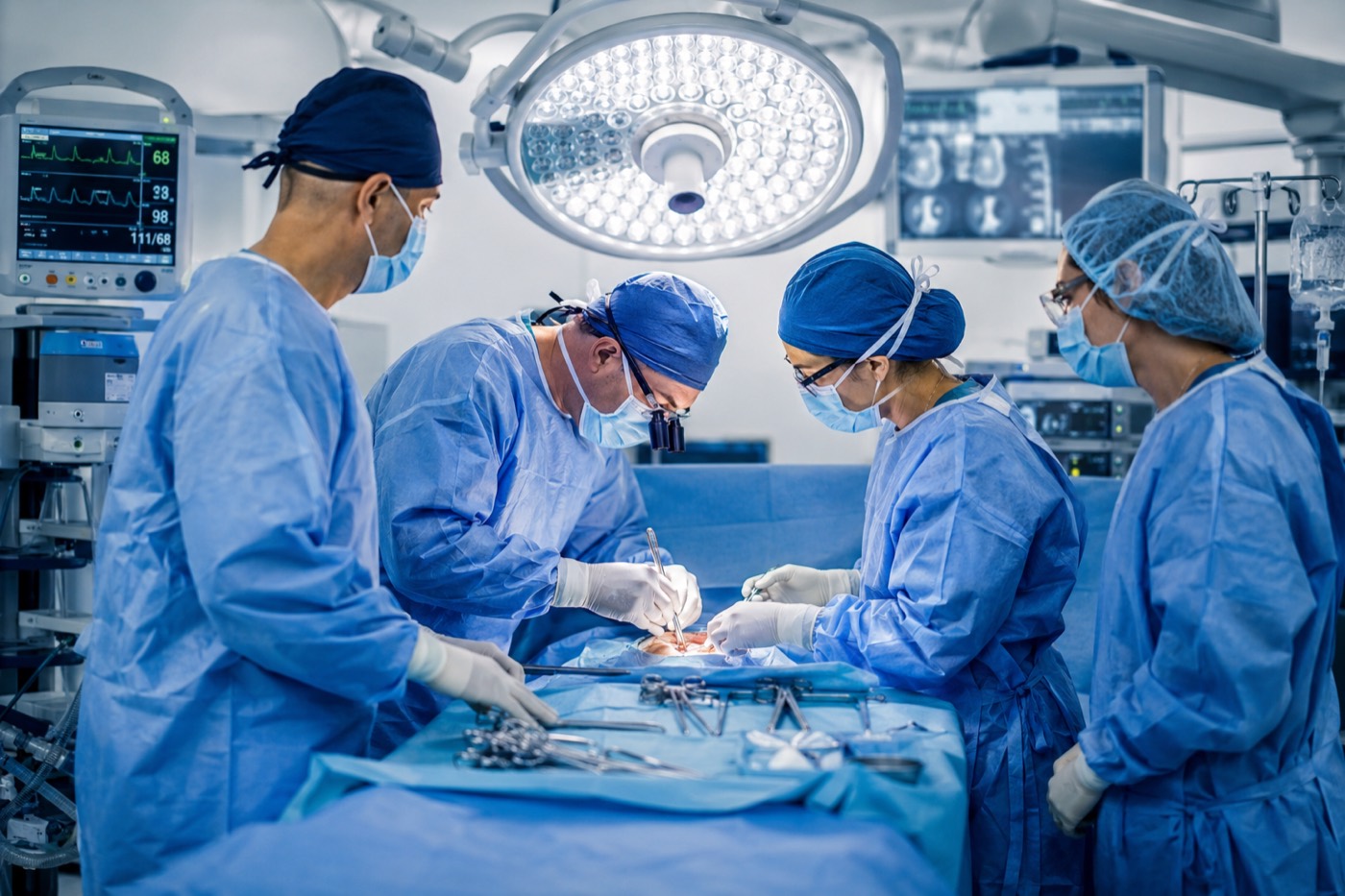
A surgical team working at the draped field during a case.
01Walking through the steps · the resident logs each one in OrthoVaultOS, then exports a fully functional operative plan
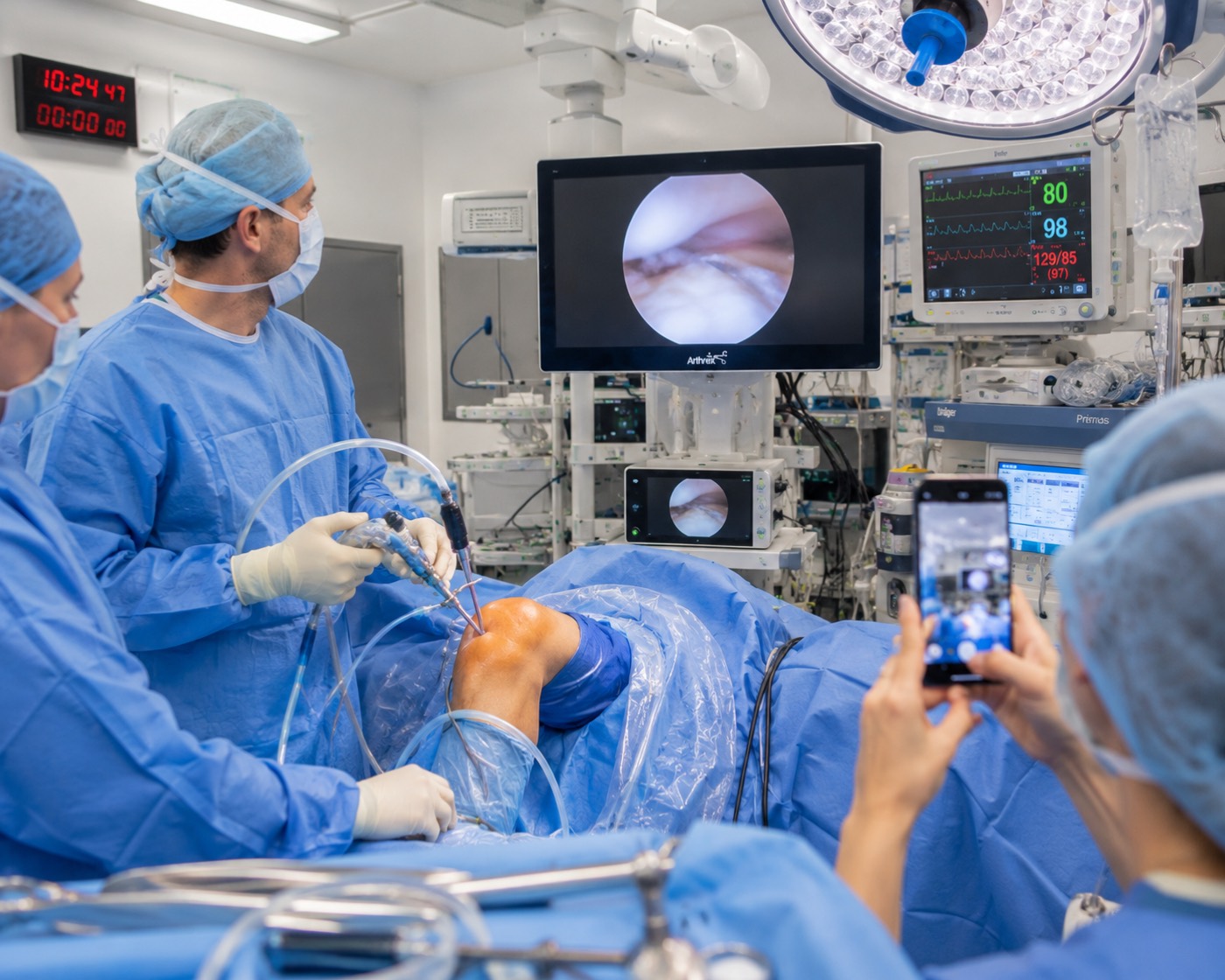
An operating room set up before a case, table and equipment in position.
03Room setup in a flash · actual images from the surgeon you’re scrubbing with, configured the way they like it
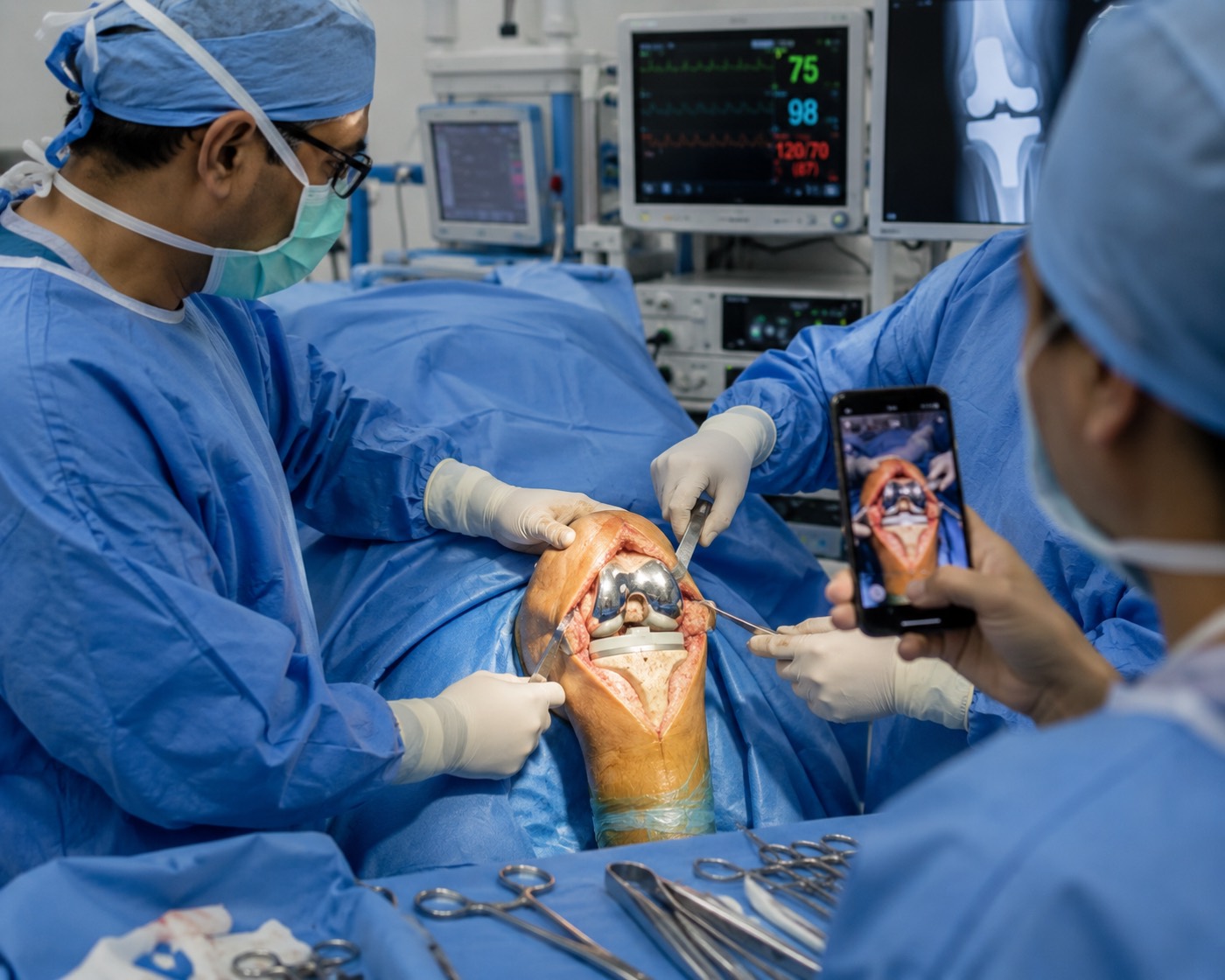
Close-up of an exposed knee joint with retractors placed.
02Hohmann and Z-retractor placement is easier when you have pictures of exactly where they go
Beyond ortho

Built for ORTHO. USEFUL in any OR.

Every surgical subspecialty runs on the same loop — surgeon preferences, steps, pearls, references. Official support for the fields below is on the roadmap, but the app already works today for any surgeon who wants to capture and reference their cases.
General surgery
Cardiothoracic
Vascular
Neurosurgery
Plastic & recon.
Urology
Otolaryngology
OB / GYN
Ophthalmology
Trauma
Pediatric surgery
Transplant
OrthoVaultOS

Join surgeons mastering their craft.

Start free. Learn how your technique compares to the best. Upgrade when you're ready.